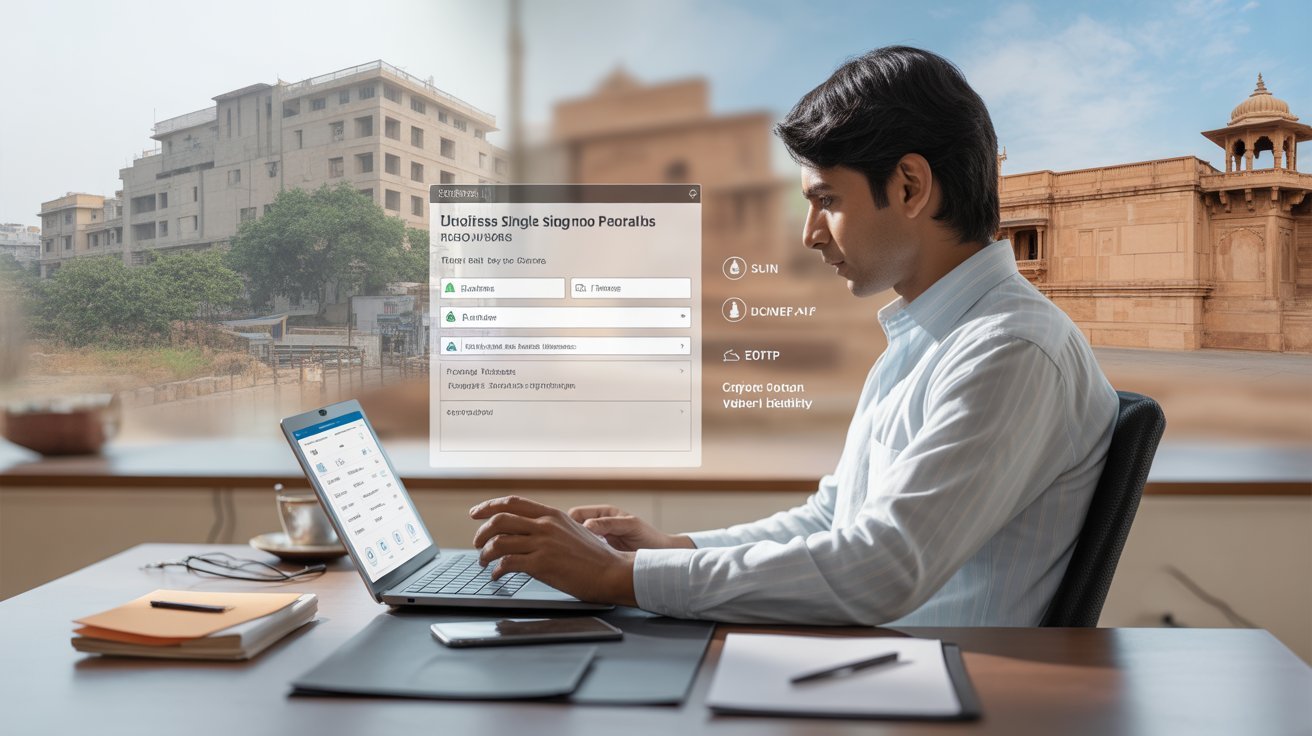
Running a business in Rajasthan used to mean juggling an exhausting number of government interactions, each with its own portal, its own login, its own process. Applying for a trade license required one system. Filing GST-related queries required another. Checking the status of a building plan approval took you somewhere else entirely. For entrepreneurs trying to grow their operations, the administrative overhead was not just inconvenient; it was a genuine obstacle to doing business efficiently.
The Rajasthan Single Sign-On portal changed that calculus. By consolidating access to dozens of business-critical government services under a single authenticated login, the state government handed entrepreneurs and industry owners a tool that is genuinely worth understanding. This guide is written specifically for business owners and explains precisely how to register, what to prepare, and what you can actually accomplish once you are inside the system.
Understanding the Udyog Category
The portal distinguishes between three types of users: citizens, government employees, and businesses. The business category is called Udyog, a Hindi term for industry or enterprise. When you register as Udyog, your account is structured differently from a citizen account, and it unlocks a distinct set of services designed for commercial and industrial use.
This matters because the portal is not a generic interface. Your dashboard after login reflects your user type, meaning a business owner sees tools relevant to licensing, compliance, taxation, and workforce management, not the scholarship or pension services that appear on a citizen dashboard. The separation is deliberate and useful, and it means registering under the correct category is the single most important step in making the portal work for your actual needs.
Who qualifies for the Udyog category? Any entrepreneur, company, or industry operating in Rajasthan with a valid Business Registration Number, commonly called a BRN, or a Udyog Aadhaar Number can register. This covers the full spectrum from small proprietorships and micro-enterprises under the MSME framework to larger industrial establishments. If you have a legitimate business presence in Rajasthan and hold the required registration credential, you are eligible.
What You Need Before You Start
The registration process is online, free, and typically completed in under ten minutes, but arriving prepared makes it significantly smoother. The primary credential you need is your Business Registration Number or your Udyog Aadhaar Number. These are the verification anchors the portal uses to confirm your business identity. Without one of them, registration under the Udyog category is not possible, so if you have not yet formally registered your enterprise with the relevant authority, that step needs to come first.
Beyond your business credential, keep your Aadhaar card and Sansthan Aadhaar number ready, as these may be required during the registration form. You will also need an active mobile number linked to your business or personal records, because the portal sends an OTP for verification during sign-up, and a working email address for receiving confirmation and future notifications. Having all of these ready before you begin will prevent the frustrating situation of starting the process and then pausing midway to locate documents.
The Registration Process Step by Step
Navigate to the official Rajasthan SSO portal login page and look for the Register button on the homepage. When prompted to select your user type, choose Udyog rather than Citizen or Government Employee. This selection tells the system which verification pathway to initiate.
On the following page, you will be asked to enter your Business Registration Number. Type it accurately and click Submit. The portal will then ask for your Sansthan Aadhaar Number as an additional identity verification step. Enter that and proceed. A registration form will open requesting your business name, owner details, mobile number, and email address. Fill everything in carefully, because this information becomes the foundation of your account and affects how the system identifies you in future transactions.
Once you submit the form, an OTP will arrive on your registered mobile number. Enter it promptly since OTPs expire within a few minutes. After successful verification, you will be prompted to choose a username and set a password. Your username becomes your permanent login identifier, so choose something meaningful and professional. After completing these steps, your account is active and your login credentials are sent to your registered mobile and email.
What Business Owners Can Actually Do
The practical value of the system becomes apparent as soon as you log in and see the business-oriented dashboard. The services available to Udyog users cover the most operationally significant areas of running a company within the state.
GST registration and tax-related services are among the most frequently used features. Business owners can access the GST portal directly from their SSO dashboard, file returns, and manage commercial tax obligations without navigating to separate systems. For any entrepreneur dealing with state taxation, this single-window access removes a layer of friction that previously required separate login management.
Licensing and permits are another major use case. Trade licenses, factory licenses, environmental clearances, and drug licenses can all be applied for and tracked through the portal. The Building Plan Approval System, known as BPAS, is also accessible here, allowing businesses that need construction or renovation clearances to submit plans and monitor approval status without visiting the Urban Local Body office in person.
MSME services deserve particular mention. The portal connects to the Rajasthan Udyog Mitra platform, through which micro, small, and medium enterprises can file their Declaration of Intent for exemptions under the Rajasthan MSME Act. This is significant because qualifying enterprises can receive protection from inspections and approvals under Rajasthan law for a defined period, a meaningful operational advantage for new businesses trying to establish themselves without being buried in compliance procedures.
Government tenders are also accessible through the business dashboard. Entrepreneurs interested in state contracts can search for open tenders, download documents, and submit bids without leaving the portal ecosystem. Labor department services, including workforce registration under state labor laws and management of ESI and provident fund contributions for employees, are similarly available.
Land use change applications, building approvals, and business subsidy schemes round out the range of services. The SSO ID for business users has effectively become the front door to the Rajasthan government’s commercial services infrastructure.
Keeping Your Account Secure and Current
One practical reality that many business owners overlook after registration is keeping their account information updated. If your registered mobile number changes, update it in your profile immediately. The portal relies on that number for OTP delivery across every service interaction, including password recovery. A stale mobile number is the most common reason business owners find themselves locked out at inconvenient moments.
Also keep in mind that each business can hold only one registered account on the system. Creating multiple accounts for the same enterprise causes conflicts and can disrupt access to services. If you suspect a duplicate account exists from an earlier attempt, use the account merge facility rather than trying to maintain two separate logins.
The SSO helpdesk at 0141-5153222 is available for businesses that encounter technical issues, BRN verification errors, or service-specific problems that cannot be resolved through self-service. For complex issues, emailing helpdesk.sso@rajasthan.gov.in with your username and a description of the problem usually results in faster resolution than a phone call.
For any entrepreneur operating in Rajasthan today, using the portal is not optional in any practical sense. It is where the government does business with businesses. Getting registered, getting familiar with the dashboard, and taking full advantage of what is available is one of the most straightforward investments of time a business owner can make.
About the Author